A safe online game for a young child is one that asks for no personal information, has no way to talk to strangers, fits your child's age, and treats mistakes kindly. If a game passes those four checks and you have tried it yourself first, it is usually a good fit for a preschooler or early grade schooler.
Below is a short checklist you can use on any game, followed by a handful of gentle picks from AimRaj for kids around ages 4 to 6.
The four checks that matter most
1. Does it ask for anything personal?
A young child should never be asked to type a real name, an email, a birthday, a photo or a location. Sign-up screens and account creation are the most common place this happens. The safest games let a child simply open the game and play.
On AimRaj, there is no sign-up and no account. Games play right in the browser on a phone, tablet or computer, so there is nothing to download or install. Where a game has a leaderboard, it shows made-up nicknames only.
2. Can strangers reach your child?
Chat, friend requests and open messages are where most online risks for kids begin. For little ones, the simplest rule is: no chat at all. AimRaj has no chat between players, so the only voices your child hears are the game's own sounds.
3. Is it really made for their age?
An age label is a starting point, not the whole story. Look at how the game is played. Young children do best when:
- Controls are one simple action, like a tap or a drag.
- The game shows what to do with pictures, dots or a pointing hand, not long text.
- The theme is friendly, with nothing meant to scare.
Every AimRaj game lists an age, so you can start with games marked for ages 4, 5 or 6.
4. What happens when they get it wrong?
This one is easy to miss. A game can be perfectly safe and still leave a four-year-old in tears because of a timer, a loud fail screen or a lost run. Look for games where a mistake just bounces back, a hint is always there, and there is no way to lose.
Many AimRaj games also have a Kids Mode. You turn it on by tapping the turtle, and it makes that game gentler, for example by removing the clock or the fail screen. What it changes is different in each game, and the picks below say what it does.
A few more habits that help
- Play it first. Spend five minutes with any new game before handing it over. You will spot anything that bothers you right away.
- Sit nearby. Young kids play best with a grown-up in the room, especially on a shared device.
- Watch for anything that leads away. Be cautious with any game, anywhere online, that asks a child to pay, to share details or to leave the game.
- Notice their mood. If a game makes your child tense or upset, it is not the right game yet, even if it is safe.
Gentle games to start with
These AimRaj games are marked for ages 4 or 5 and treat mistakes kindly.
ABC Tracing Eggs (ages 4 and up)
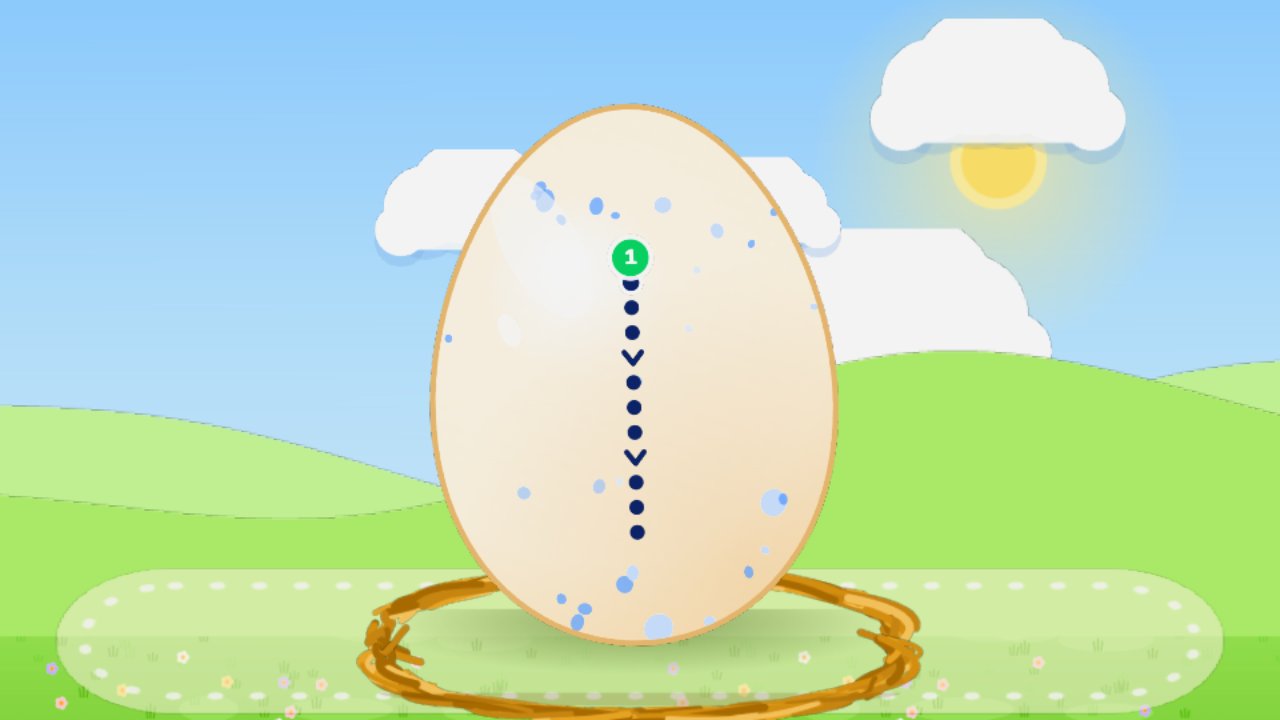
A big letter sits on an egg, drawn as chunky dots with a green start dot. Your child drags a finger along the dots, and gold paint follows. Finish the letter and the egg cracks open to show a friend that starts with that letter, while a voice says its name. If a finger slips off the dots, the paint simply waits.
Shape Sorter (ages 4 and up)
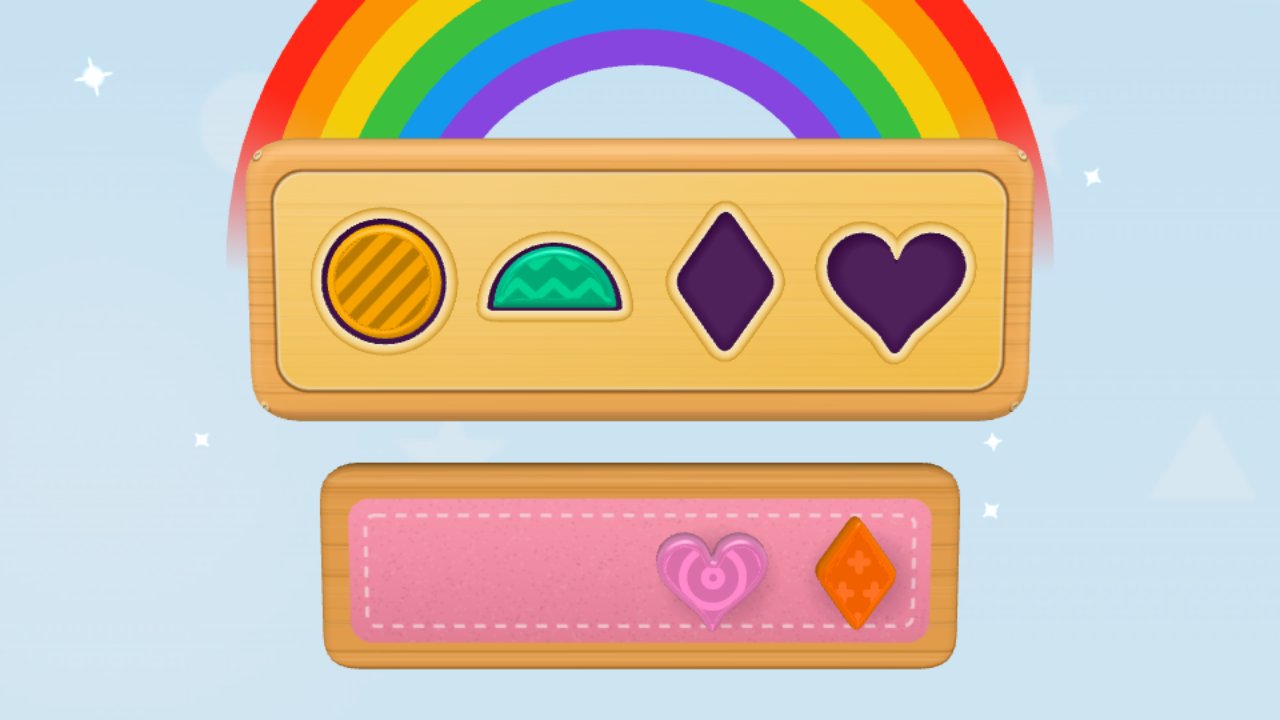
A wooden toy box has holes shaped like a circle, a heart, a star and more. Drag a shape to the matching hole and it drops in with a plunk. The wrong hole just bounces it back with a friendly boing, and a hint button shows the way. Nothing can go wrong.
Munch Monster (ages 4 and up)
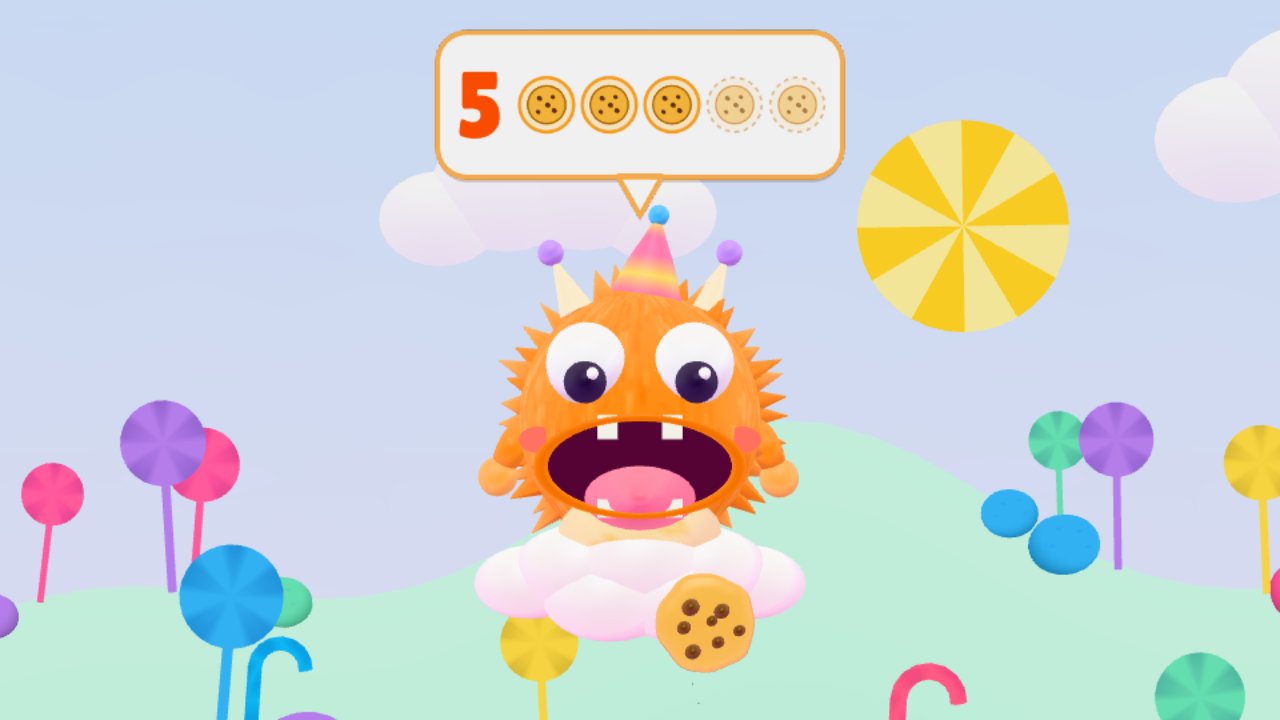
A hungry monster asks for a number of treats, shown as a numeral and as dots. Your child taps to feed it, one gulp per dot. Too many treats, and it politely spits one back. There is nothing to lose: a miss only costs a star.
Sneaky Pairs (ages 4 and up)
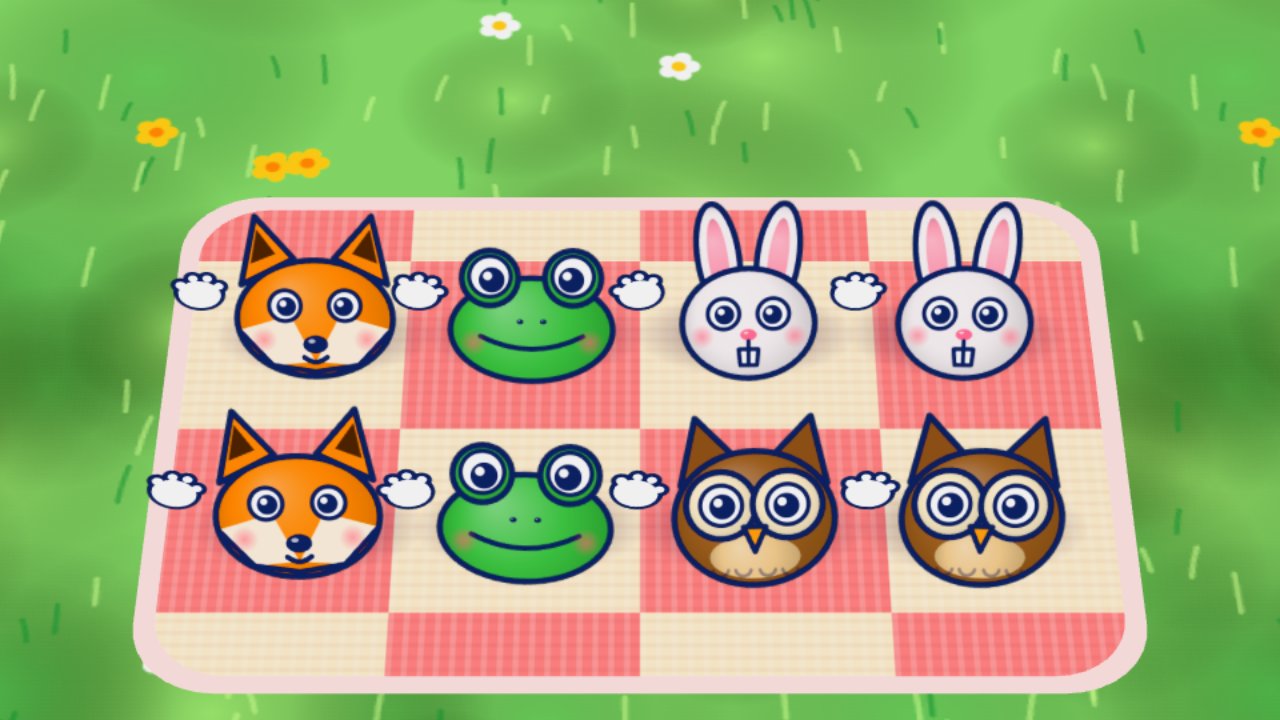
A memory game on a picnic blanket. Tap buckets to find the twin critters hiding underneath. After a mismatch, two buckets swap seats, so it gently trains watching and remembering. New critters join a Critter Album.
Number Farm (ages 5 and up)
Each farm animal asks for a number, and your child drags that many items onto its tray. Every item counts up with a musical note, so kids hear the counting as well as see it. Undo is always free, a hint hand shows what to do next, and there is no way to lose.
Hoppy Road (ages 5 and up)
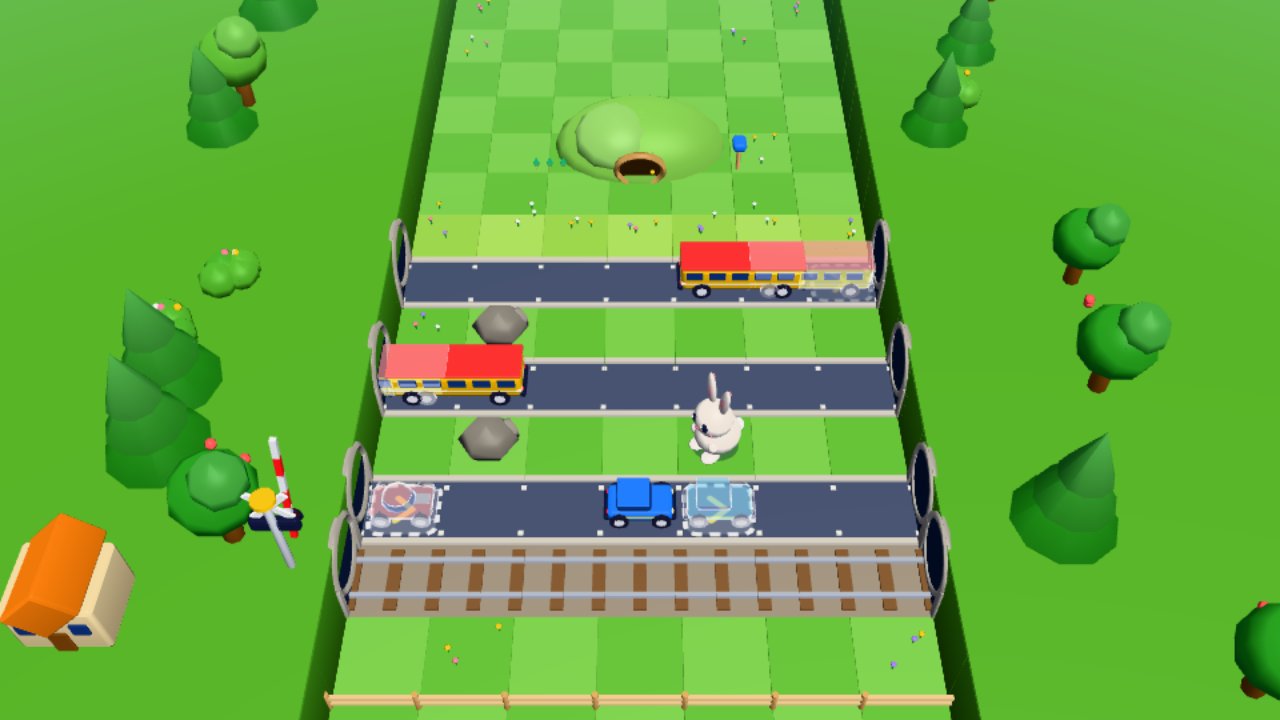
A calm road-crossing puzzle where a bunny hops home. Every car and log moves one step each time the bunny hops, so kids plan ahead at their own pace. A bonk just bounces the bunny back. Kids Mode slows the cars, warns before trains and always gives three stars.
Waddle Out (ages 5 and up)
Tap a duckling and it waddles straight ahead to join Mama Duck. The puzzle is choosing the order, since a duckling in the way makes yours blush and bounce back. Bumps cost stars, never lives, and in Kids Mode bumps are not counted.
Piggyback Ludo (ages 5 and up)
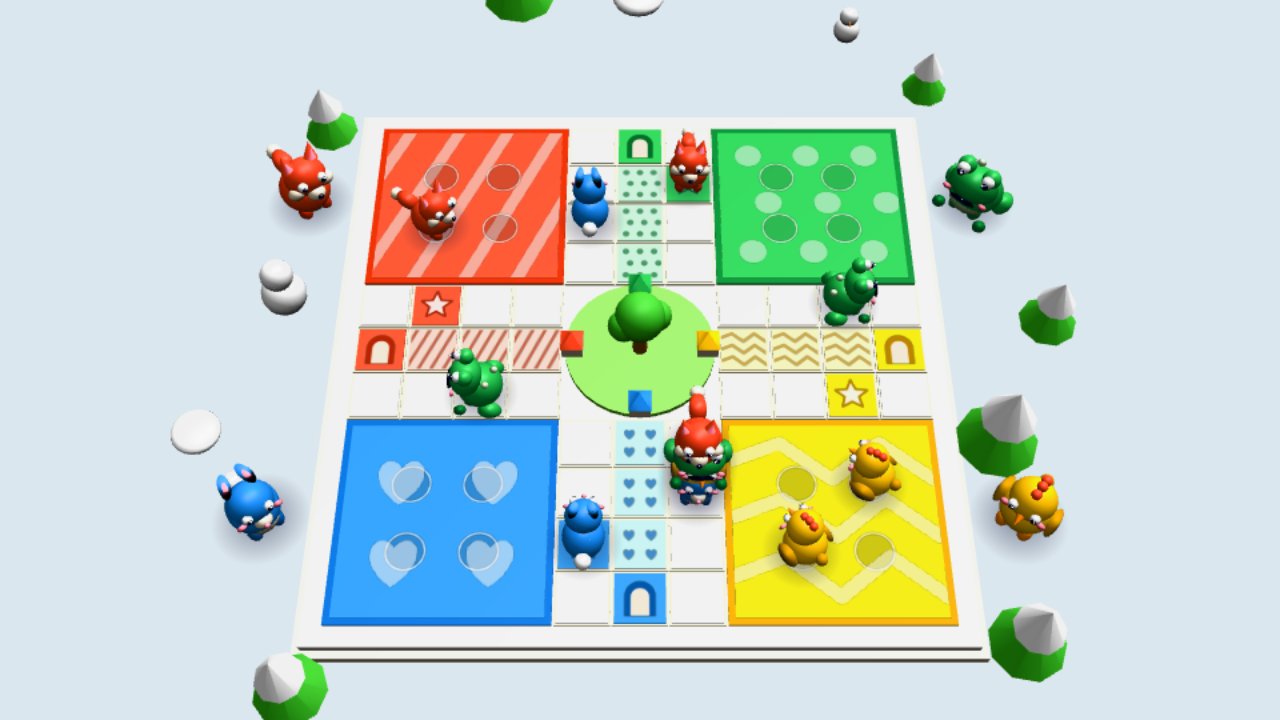
The classic dice race with one kind change: nobody is ever sent home. Land on a rival critter and it climbs on your back for a piggyback ride. In Kids Mode, a 1 or a 6 brings a critter out of its yard, so little ones get moving sooner.
Questions parents ask
Do my kids need an account or an app to play?
No. AimRaj games play in the browser on phones, tablets and computers, with nothing to download and no sign-up.
Can other players talk to my child?
No. There is no chat between players on AimRaj. Leaderboards show made-up nicknames only.
What is Kids Mode, and how do I turn it on?
It is a gentler way to play that many AimRaj games offer. Tap the turtle in the game to switch it on. Each game describes what its Kids Mode changes, such as no clock or no fail screen.